
When was the last time you used a USB drive? I had to think for a moment myself – and to be honest, I don’t remember exactly. For years, the USB flash drive has been the device of choice for quick and easy data transfer. Why do these practical storage tools no longer play any role today and are perhaps even on their way out? A look at current developments sheds some light on this subject.
Why are USB drives no longer popular?
As compact and handy as they are, USB drives have lost much of their relevance in recent years. One of the main reasons is their relatively low storage capacity. Many commercially available models are limited to 256 GB or 512 GB, which means that large amounts of data such as 4K videos, entire photo archives or system backups can only be transported to a limited extent.
While there are also high-end drives with up to 2TB of memory, like the Seagate Ultra Compact SSD, many people prefer to use an SSD for such capacities. The reason: SSDs typically use more powerful flash chips, which ensure higher data transfer rates and longer lifespan.
Another problem: the classic USB-A connection is hardly suitable for modern devices. Most laptops and tablets use USB-C, as do smartphones.

Although there are now USB drives with Type C connectors, like the aforementioned Seagate Ultra Compact. There are also dual drives with USB-A and USB-C connections, but in practice this is often a compromise. Many of these models rely on simple controllers and cheaper flash memory, resulting in significantly slower transfer rates, especially when writing large files.
Modern Alternatives to USB Flash Drives
External hard drives: lots of storage for little money
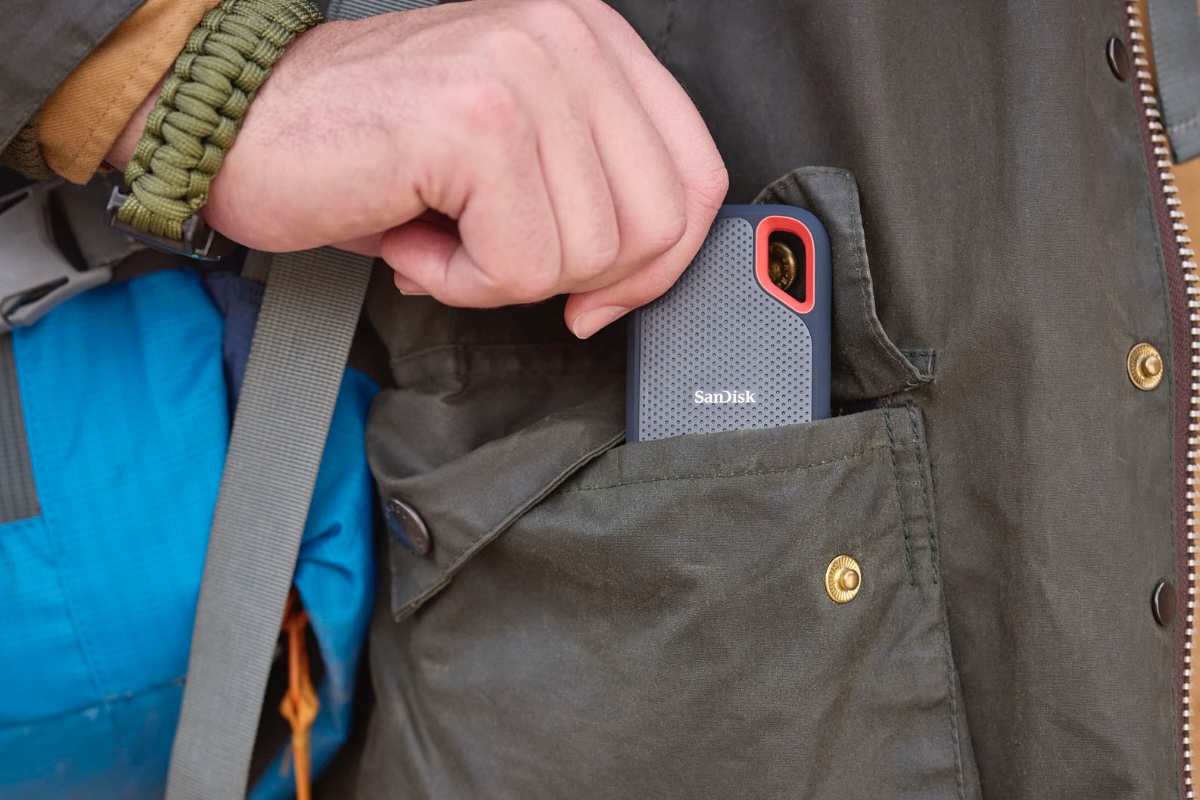 External hard drives, such as SSDs, are sturdy and powerful, with much more storage space than the average USB drive.
External drives, whether traditional hard drives or fast SSDs, are among the most popular alternatives to USB drives. They offer much more storage (up to 4TB and more), and SSDs particularly impress with their high transfer speed via USB-C or Thunderbolt. While hard drives offer plenty of space at a great price, SSDs are the better choice for large amounts of data, as they are faster, more robust and only slightly more expensive in higher storage classes than comparable USB sticks.
Benefits :
- Much more storage space than USB sticks
- High quality shockproof and durable flash chips
- Ideal for backups or large amounts of data
Disadvantages:
- Bigger and heavier than a USB stick
- Sometimes more expensive, especially for SSD models
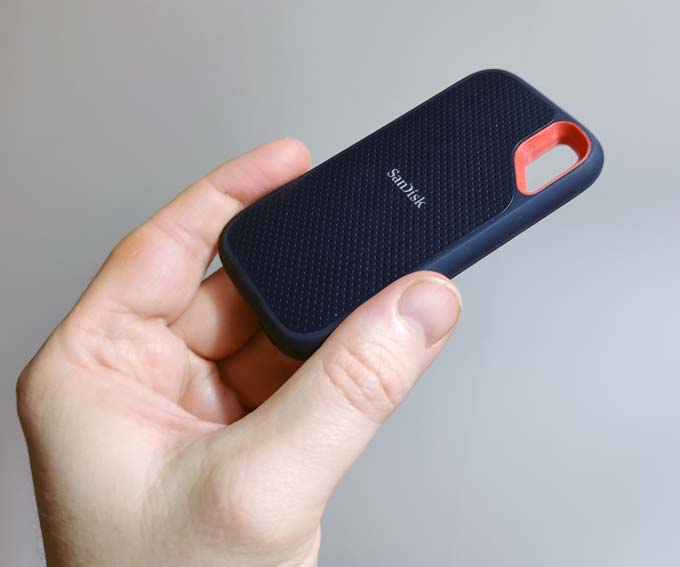
Sandisk Extreme 1TB Portable SSD (Portable NVMe SSD)
External drive with 2.5-inch SSD technology, USB-C, up to 2,000 MB/s read and write, NVMe SSD, IP65, 5-year warranty
Matthias Inghé
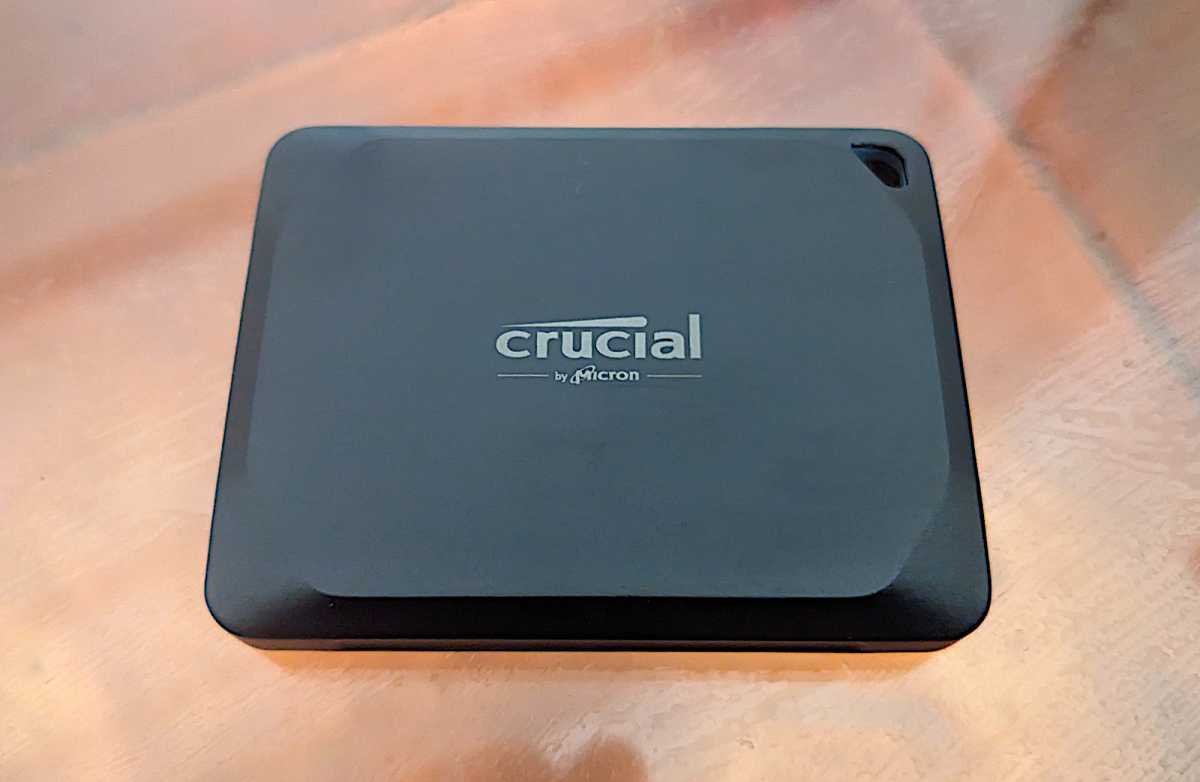
Crucial X10 Pro 1TB Portable SSD
External drive with SSD technology, USB-C, up to 2,100 MB/s read and 2,000 MB/s write, IP55
Jon L. Jacobi
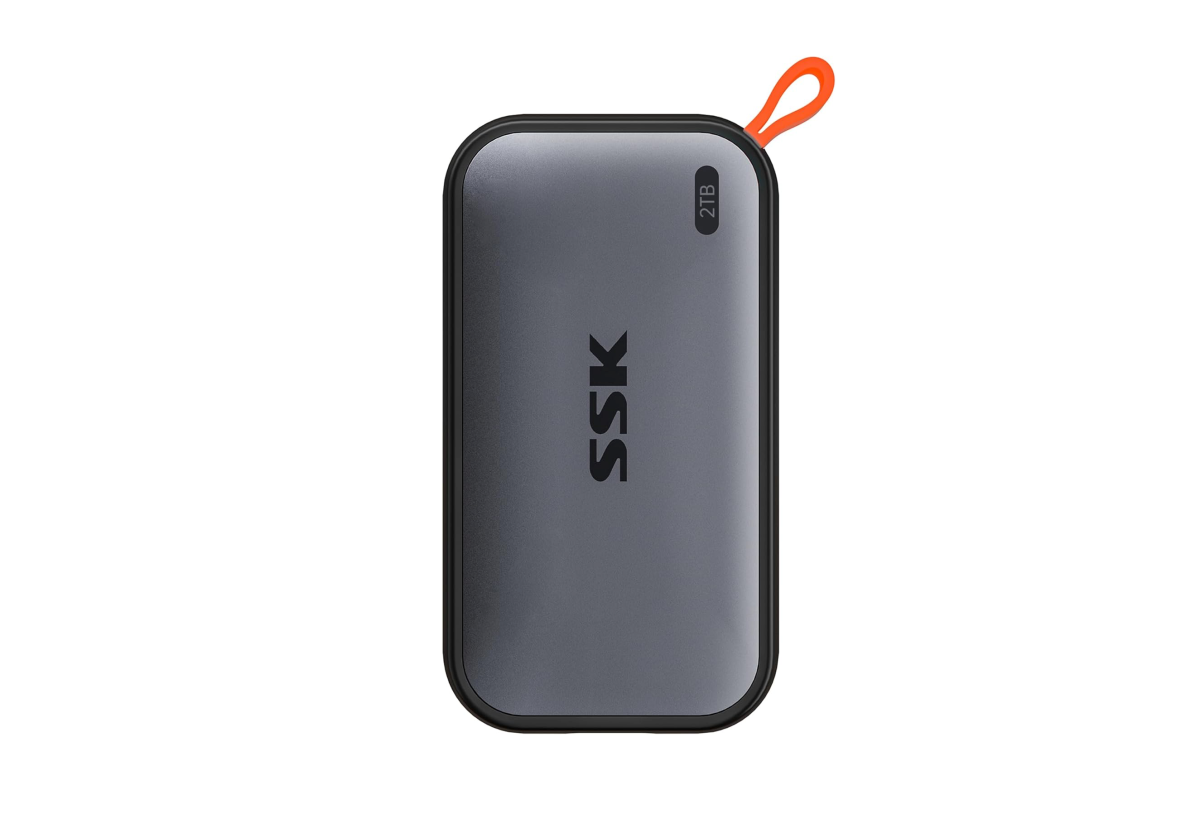
2TB SSK, Portable External NVME SSD
External Drive with SSD Technology, NVMe SSD, 2.7 inch, USB 3.2 Gen 2, 1050 MB/s Read Speed and 1000 MB/s Write Speed
Amazon
Further reading: The best external drives we tested
SD cards: small, fast – but not universal
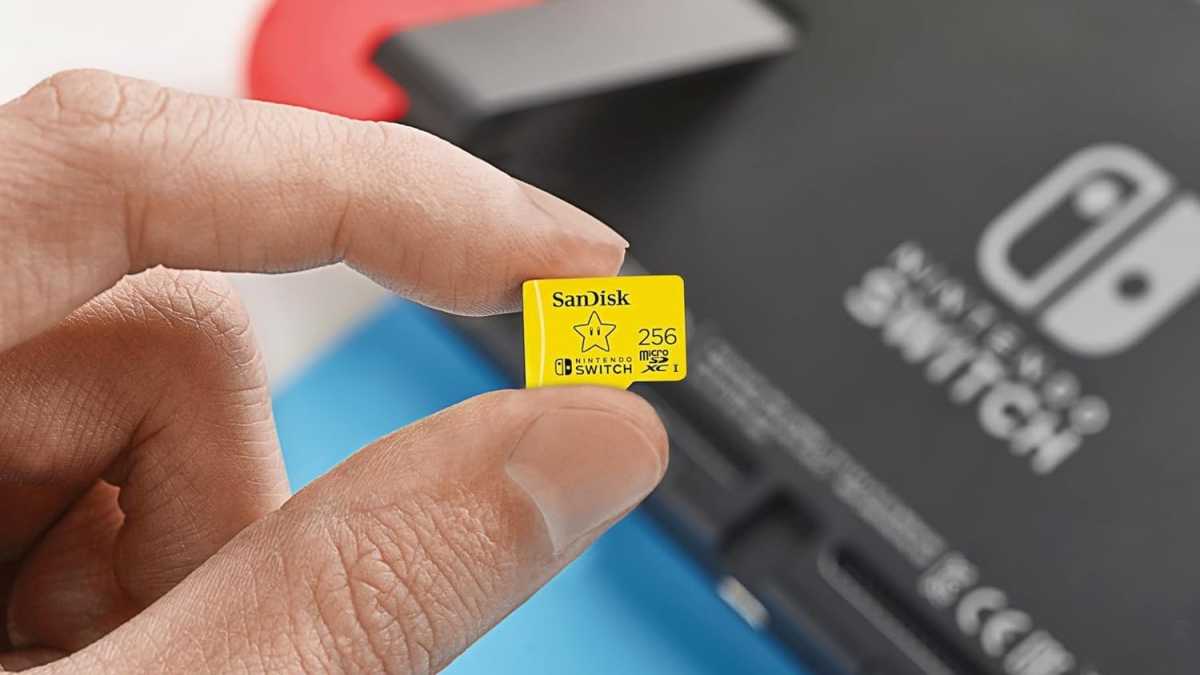 SD memory cards can be used. SD memory cards can be used to expand cell phone memory, for example.
SD cards (or microSD with adapter) are also a compact alternative to USB sticks. They are standard, especially for cameras, drones and mobile devices, as well as some laptops. In combination with a USB-C card reader, SD cards can even be used as mini storage drives for laptops.
Further reading: SD Cards, Demystified: How to Decipher the Confusing Jumble of Specifications
The advantage over conventional USB sticks: SD cards can be used more flexibly in many areas, are often cheaper per gigabyte and, depending on the class and model, also achieve high transfer speeds. They are also easy to replace or permanently integrate into devices, such as cameras or laptops equipped with card readers. So if you work with memory cards anyway, you can easily use them as a mobile reader (and save yourself the extra key).
Benefits :
- Extremely small and light
- Good speeds with modern UHS-II cards
- Can be used directly in many devices
Disadvantages:
- Susceptible to loss or damage
- A card reader is usually required for use on a PC
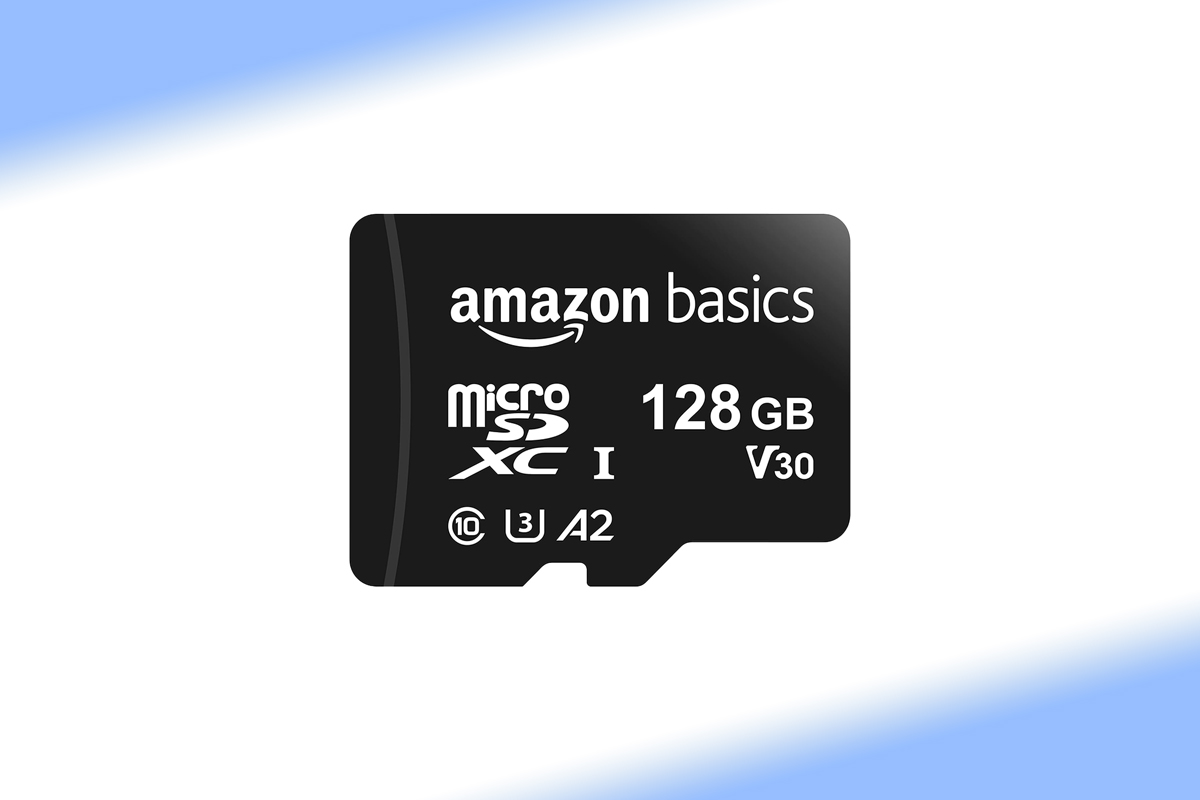
Amazon Basics microSDXC 128GB
SD memory card with 128 GB and SD adapter, maximum reading speed of 100 MB/s
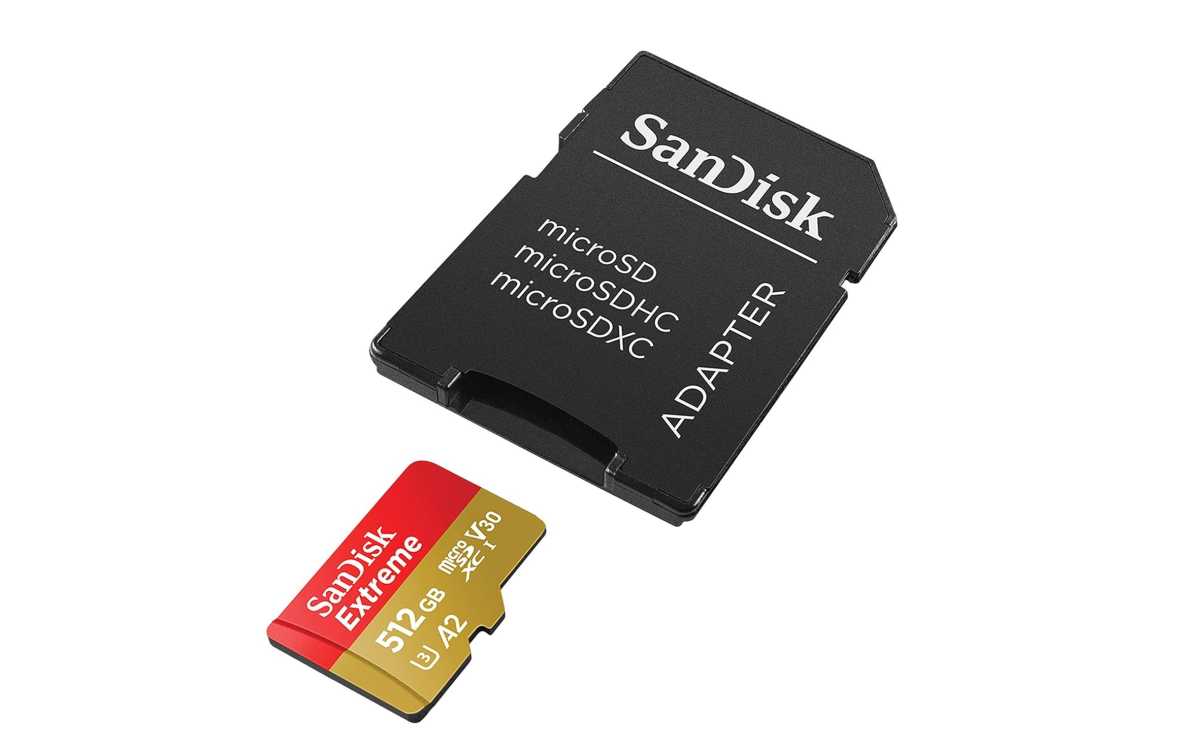
Sandisk Extreme PRO SDXC UHS-I 512GB Memory Card
Sandisk UHS-I Memory Card, 512 GB, V30, 200 MB/s Transfer Speed, U3, 4K UHD Videos, Sandisk QuickFlow Technology
SanDisk
Cloud services: storage space always with you
The cloud is probably the most modern alternative to USB sticks. Services such as Google Drive, Dropbox, iCloud or OneDrive offer storage space on the Internet that you can access from any device, without a physical drive.
Benefits :
- Access from anywhere with an Internet connection
- Ideal for collaboration and shared files
- Automatic synchronization possible
Disadvantages:
- Depends on a stable internet connection
- Limited free storage, followed by a paid subscription
- Data protection and encryption are important issues
Conclusion: USB key only for special cases?
The humble USB drive hasn’t completely lost its place yet: it’s quite common and ideal for simple data transfers, firmware updates, or as a boot drive. But as an everyday solution, this solution is long outdated. The combination of limited memory, decreasing compatibility and increasing requirements makes it an abandoned model. Modern alternatives such as SSDs, SD cards or cloud services offer better performance, more flexibility and, in many cases, better value for money.
Further reading: 6 Really Useful Uses for Your Router’s USB Port


