
Wondering which versions of macOS your Mac can run? We’ve put together a macOS Compatibility Checker that will show you which Macs are supported by different versions of macOS and Mac OS X, so you can determine which version you should use on your Mac.
Latest version of macOS: Tahoe (macOS 26), released November 15, 2025
Support: All M-series Macs and most Intel Macs from 2019
Security supported versions: MacOS Sequoia (15), Sonoma (14), and Ventura (13) are still receiving critical security updates.
What version of macOS can my Mac run?
Apple releases a new version of Mac operating system every year, but the latest version of Mac operating system does not support all Macs. Every year, more and more Macs fall off the compatibility list and can’t be updated to take advantage of the latest features.
The latest version, macOS 26 Tahoe, arrived on September 15, 2025, it can run on all M-series Macs and the latest generation of Intel-powered Macs from 2019, but older Macs don’t get all the new features. Read on to find out exactly which Macs are supported by each version of the Mac operating system.
For tips on installing macOS, read: How to install macOS on your Mac and read our guide to each version of macOS released to find out the latest version.
macOS 26 Tahoe compatibility
Apple
There was concern that macOS Tahoe would not support any Mac with an Intel processor. Fortunately, that’s not the case, but Apple has confirmed that this will be the last version of macOS to support Macs that don’t run on Apple silicon.
Apple lists the following Macs as compatible with macOS 26 Tahoe and Apple Intelligence-based features:
M-series Macs that run Tahoe
- MacBook Pro (M1 and later)
- MacBook Air (M1 and later)
- iMac (M1 and later)
- Mac mini (M1 and later)
- Mac Studio (M1 and later)
- Mac Pro (M1 and later)
Intel Macs running Tahoe
Here are the Intel Macs that run macOS Tahoe (but don’t support Apple Intelligence):
- MacBook Pro (Intel, 13-inch, 2020, four Thunderbolt 3 ports)
- MacBook Pro (Intel, 16-inch, 2019)
- Mac Pro (Intel, 2019)
- iMac (Intel, mid-2020)
Macs that don’t run Tahoe
The following Macs that were supported by 2024 macOS Sequoia, as well as any older ones, are unable to run Tahoe:
- iMac (Intel, 2019)
- iMac Pro (Intel, 2017)
- Mac mini (Intel, 2018)
- MacBook Pro (Intel, 2018)
macOS 15 Sequoia compatibility
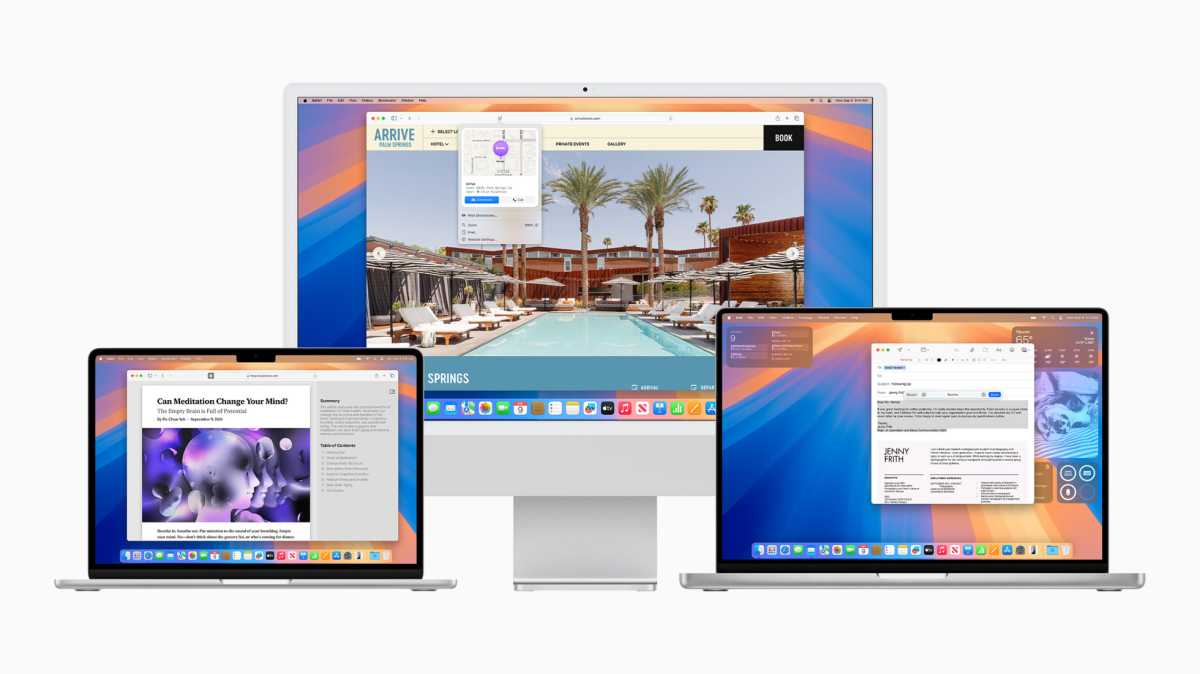
Which Macs run Sequoia? All M-series Macs!
Apple
Sequoia (macOS 15) became available on Tuesday, September 16, 2024. The software was regularly updated before Tahoe was introduced, but now that Tahoe is here, Sequoia will only receive security updates when necessary. for example Sequoia 15.7 on September 15, 2025.
M-series Macs that run Sequoia
All M-series Macs can support Sequoia (and Apple Intelligence features), including:
- MacBook Air (M1 and later)
- MacBook Pro (M1 and later)
- iMac (M1 and later)
- Mac Pro (M1 and later)
- Mac Studio (M1 and later)
- Mac mini (M1 and later)
Intel Mac running Sequoia
The following Intel Macs can run Sequoia. However, none of these models can support Apple Intelligence features.
- iMac (Intel, 2019 and August 2020)
- Mac Pro (Intel, 2019)
- iMac Pro (Intel, 2017)
- MacBook Air (Intel, March 2020)
- Mac mini (Intel, 2018)
- MacBook Pro (Intel, 2018, 2019 and May 2020)
Macs that don’t run Sequoia
The following Macs that were supported by 2023 macOS Sonoma, and any older than that, are unable to run Sequoia:
- MacBook Air (Intel, 2019)
- MacBook Air (Intel, 2018)
For more information, read: Can my Mac run Sequoia?
macOS 14 Sonoma compatibility
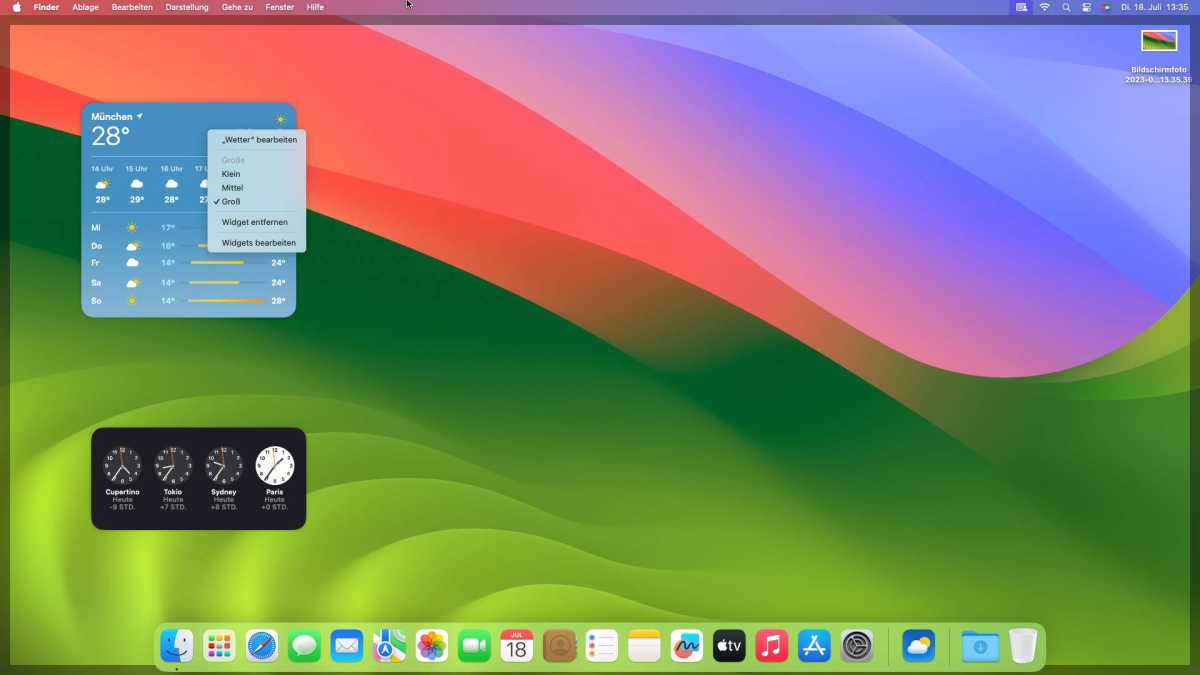
macOS Sonoma
arrived in 2023
IDG
macOS 14 Sonoma became available on Tuesday, September 26, 2023. Apple is still releasing security updates for Sonoma, the most recent being 14.8 on September 15, 2025.
Macs that run Sonoma
- iMac from 2019
- Mac Pro from 2019
- iMac Pro from 2017
- Mac Studio from 2022
- 2018 MacBook Air
- Mac mini from 2018
- 2018 MacBook Pro
For more information, read: Can my Mac run Sonoma?
Can I install an old operating system on my Mac?
Officially, the operating system available on your Mac when you purchased it is the oldest version of macOS that can run on that Mac. It’s likely that an older operating system doesn’t include the necessary drivers for the hardware of newer Macs. For this reason, it is unlikely that you will be able to install an older version of macOS on a new Mac, but you can find out how to install older versions of macOS or OS X for other Macs. Owners of Macs with M-series chips (sometimes called Apple Silicon) won’t be able to run older versions of macOS that weren’t designed for Apple Silicon Macs that use a different architecture, known as ARM, instead of X-86.
But it may not just be a matter of whether your Mac can run the latest operating system. You may also want to know if it is possible to downgrade your Mac to an older version of macOS and know the oldest version of macOS you can use. You will also find this information below. You can also see a complete list of all the different versions of macOS and Mac OS X. Not sure which Mac you have? Check out our article on how to identify your Mac.
Note: In each case, the year referenced below is the year the Mac was launched. For example, you could have bought a 2016 MacBook in early 2017, but it is still the 2016 MacBook.
macOS 13 Ventura compatibility
Apple
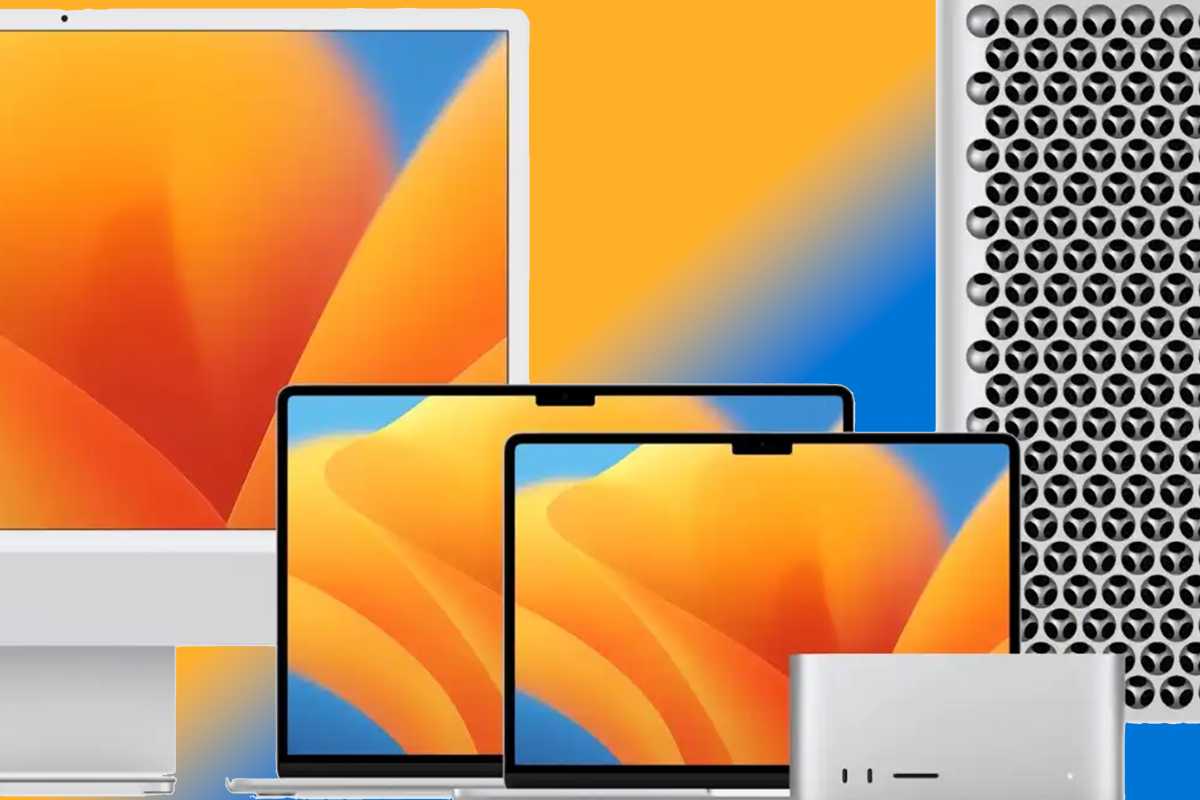
Apple released macOS 13 Ventura to the public on October 24, 2022. Apple always releases security updates for Ventura, the most recent was 13.7.8 in August 2025, this may be the last update for Ventura now that Tahoe is here, as Apple tends to only support the last two versions with security updates.
Mac running Ventura
- MacBook models from 2017 or later
- MacBook Air models from 2018 or later
- MacBook Pro models from 2017 or later
- Mac mini models from 2018 or later
- iMac models from 2017 or later
- iMac Pro (all models)
- Mac Pro models from 2019 or later
- Mac Studio (all models)
For more information, read: Can my Mac run Ventura?
macOS 12 Monterey compatibility

Apple
macOS 12 Monterey was made available for download on October 15, 2021 (latest version 12.7.6 in July 2024). Apple is no longer releasing security updates for Monterey.
Mac running macOS Monterey
- MacBook models from early 2016 or later
- MacBook Air models from early 2015 or later
- MacBook Pro models from early 2015 or later
- Mac mini models from 2014 or later
- iMac from 2015 or later
- iMac Pro (2017 and later)
- Mac Pro models late 2013 and later
- Mac Studio
macOS 11 Big Sur compatibility
Apple
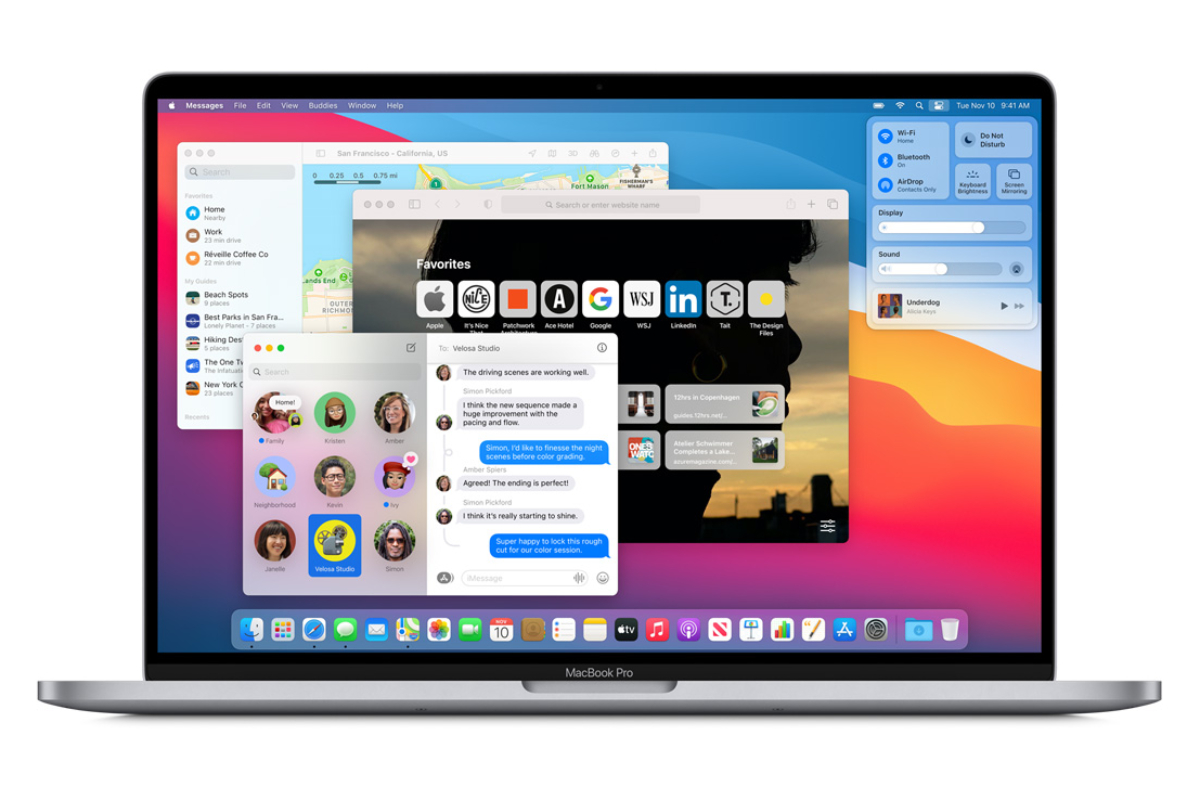
macOS 11 Big Sur was the version of macOS that arrived on November 12, 2020 (latest version 11.7.10 in September 2023). Apple is no longer releasing security updates for Big Sur.
Mac that can run macOS Big Sur
- MacBook models from early 2015 or later
- MacBook Air models from 2013 or later
- MacBook Pro models from 2013 or later
- Mac mini models from 2014 or later
- iMac from 2014 or later
- iMac Pro (all models)
- Mac Pro models from 2013 and 2019
macOS 10.15 Catalina Compatibility
Catalina arrived in October 2019 (latest version 10.15.7 in July 2022). Apple no longer releases security updates for Catalina:
Mac that can run Catalina
- MacBook (2015 to 2017)
- MacBook Air (mid 2012 to 2019)
- MacBook Pro (mid 2012 to 2019)
- Mac mini (late 2012 to late 2018)
- iMac (late 2012 to 2019)
- iMac Pro (all models)
- 2013 Mac Pro models
Note that M series Macs will not be able to run Catalina or earlier.

macOS 10.14 Mojave compatibility
Mojave arrived in September 2018 (latest version 10.14.6 in July 2021) and can run on the following Macs:
- MacBook (early 2015 to 2017)
- MacBook Air (mid 2012 to 2017, as it is the same as the 2015 model)
- MacBook Pro (mid 2012 to 2018)
- Mac mini (late 2012 to late 2018)
- iMac (late 2012 to mid-2017)
- iMac Pro (all models)
- Mac Pro (Late 2013, as well as mid-2010 and mid-2012 models with Metal-compatible GPU recommended)
macOS 10.13 High Sierra compatibility
High Sierra arrived in September 2017 (latest version 10.13.6) and can run on the following Macs:
- MacBook (late 2009 to 2017)
- MacBook Air (late 2010 to 2017, same as 2015 model)
- MacBook Pro (mid 2010 to 2017)
- Mac mini (mid 2010 to 2014)
- iMac (late 2009 to mid-2017)
- Mac Pro (mid 2010 and 2013)
macOS 10.12 Sierra compatibility
Sierra, the first update to remove the “X” from the name, arrived in September 2016 (latest version 10.12.6) and can run on the following Macs:
- MacBook (late 2009 to 2017)
- MacBook Air (late 2010 to 2017, same as 2015 model)
- MacBook Pro (mid 2010 to 2015)
- Mac mini (mid 2010 to 2014)
- iMac (late 2009 to 2015)
- Mac Pro (mid 2010 and 2013)
Mac OS X 10.11 El Capitan Compatibility
El Capitan arrived in September 2015 (latest version 10.11.6) and can run on the following Macs:
- MacBook (early 2015 to 2017)
- MacBook (late 2008 to 2010)
- MacBook Air (late 2008 to early 2015)
- MacBook Pro (mid/late 2007 to early 2015)
- Mac mini (early 2009 to 2014)
- iMac (mid-2007 to mid-2015)
- Mac Pro (2008, 2010, 2013)
OS X 10.10 Yosemite Compatibility
Yosemite arrived in October 2014 (latest version 10.10.5) and can run on the following Macs:
- MacBook (late 2008 to 2010)
- MacBook Air (late 2008 to mid-2013)
- MacBook Pro (13″ mid-2009 to mid-2014)
- MacBook Pro (15″ mid/late 2007 to mid 2014)
- MacBook Pro (17″ late 2007 to 2011)
- Mac mini (early 2009 to 2012)
- iMac (mid-2007 to mid-2014)
- Mac Pro (2008 and 2010)
Mac OS X 10.9 Mavericks Compatibility
Mavericks arrived in October 2013 (latest version 10.9.5) and can run on the following Macs:
- MacBook (late 2008 to 2010)
- MacBook Air (late 2008 to mid-2013)
- MacBook Pro (mid 2007 to early 2013)
- Xserve (early 2009)
- Mac mini (early 2009 to 2012)
- iMac (mid 2007 to early 2013)
- Mac Pro (early 2008 and 2010)
Mac OS X 10.8 Mountain Lion Compatibility
Mountain Lion, the latest of the “big cat” versions of the Mac operating system launched in July 2012 (latest version 10.8.5) and can run on the following Macs:
- MacBook (late 2008 to 2010)
- MacBook Air (late 2008 to mid-2012)
- MacBook Pro (mid/late 2007 to mid-2012)
- Mac mini (early 2009 to 2011)
- iMac (mid 2007 to 2011)
- Mac Pro (early 2008 and 2010)
Wondering how long Apple will support your Mac? Read: How long do Macs last?




.png?w=390&resize=390,220&ssl=1 "Can Public Media Survive Trump?")
